- Libros Texto
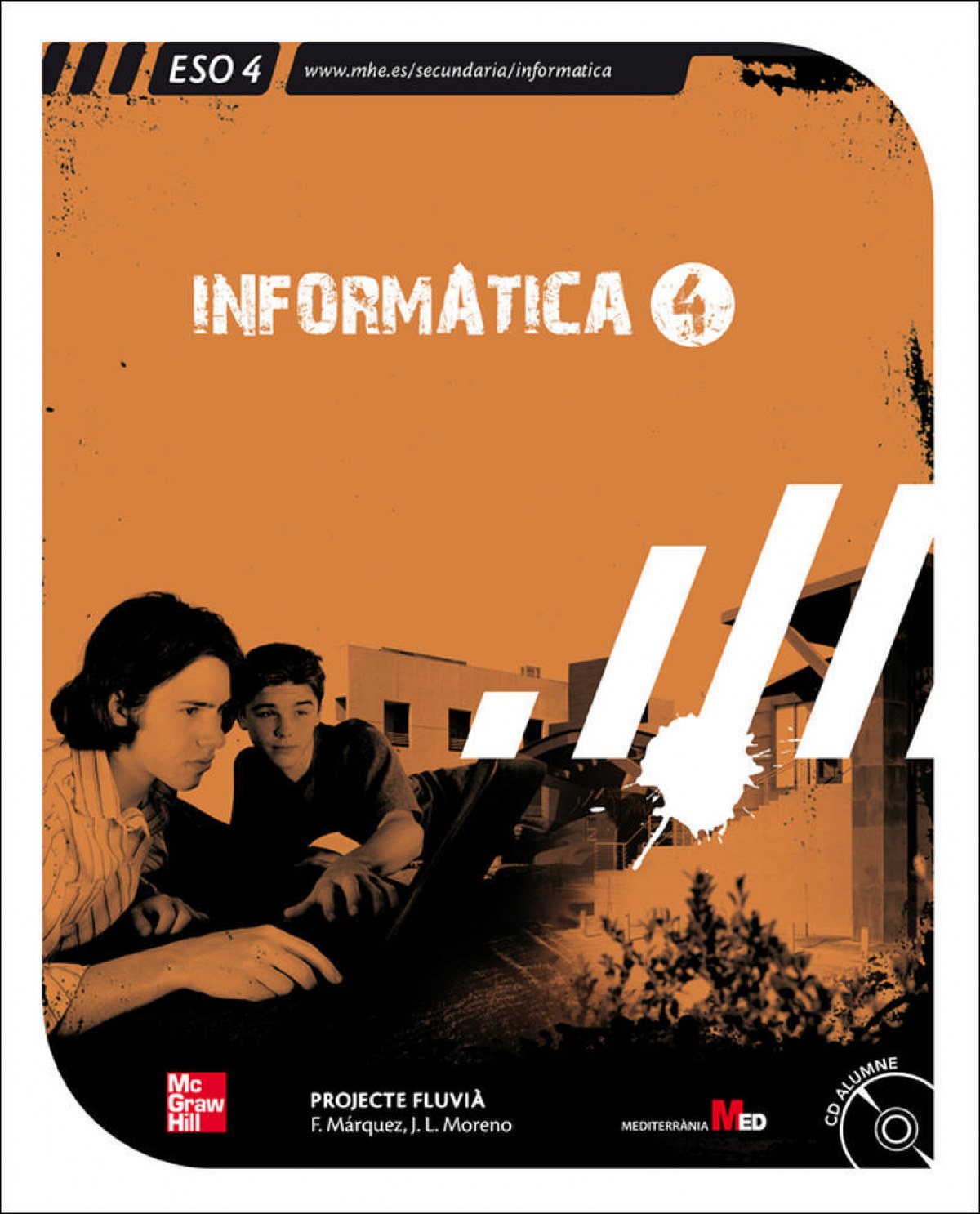
- (CAT).(08).INFORMATICA 4T.ESO
- Libros Texto
- (CAT).(08).INFORMATICA 4T.ESO
Catalan
Synopsis (CAT).(08).INFORMATICA 4T.ESO
1 Introducció a Windows XP 1.1. Què és la informàtica? 1.2 Hardware i software 1.3. Què és un sistema operatiu? 1.4. Personalitzar l’Escriptori 1.5. Treballar amb finestres 1.6. Treballar amb fitxers i carpetes. L’Explorador del windows 1.7. Paperera de reciclatge 1.8. Altres tasques en Windows Exercicis resolts Exercicis proposats Per investigar Conceptes bàsics 2 Xarxes locals 2.1. Què és una xarxa informàtica? 2.2. Tipus de xarxes 2.3. Hardware de connexió 2.4. Protocols de xarxa en Windows 2.5. Xarxes sense fil 2.6. Seguretat a la xarxa Exercicis resolts Exercicis proposats Per investigar Conceptes bàsics 3 Usuaris i grups en Windows XP 3.1. Usuaris 3.2. Gestió de grups Exercicis resolts Exercicis proposats Per investigar Conceptes bàsics 4 Recursos compartits: carpetes i grups de treball 4.1. Os dels assistents de xarxa 4.2. Grups de treball 4.3. Compartir recursos de xarxa Exercicis resolts Exercicis proposats Per investigar Conceptes bàsics 5 Internet. Accés a serveis bàsics 5.1. Què és Internet? 5.2. El Web. Navegadors 5.3. Recerca d’informació a Internet 5.4. Correu electr.nic 5.5. F.rums i missatgeria instantània Exercicis resolts Exercicis proposats Per investigar Conceptes bàsics 6 Internet. Seguretat i accés a serveis segurs 6.1. Actualitzacions del sistema operatiu 6.2. Accés a pàgines web segures 6.3. Recomanacions de seguretat 6.4. Software maliciós i fraus en línia. Protecció 6.5. Certificat digital. Obtenció i ús Exercicis resolts Exercicis proposats Per investigar Conceptes bàsics 7 Mitjans socials. Web 2.0 7.1. Introducció al web 2.0 7.2. Xarxes socials 7.3. Compartir i distribuir arxius 7.4. Blocs 7.5. Wikis Exercicis resolts Exercicis proposats Per investigar Conceptes bàsics 8 Microsoft PowerPoint. Presentacions 8.1. Iniciar i tancar PowerPoint 8.2. La nostra primera presentació 8.3. Desar/recuperar una presentació 8.4. Finestra de treball de PowerPoint 8.5. Treballar amb diapositives 8.6. Efectes d’animació i transició 8.7. Passos fi nals per fer la presentació Exercicis resolts Exercicis proposats Per investigar Conceptes bàsics 9 Disseny de pàgines web 9.1. Introducció 9.2. Treballar directament amb codi HTML 9.3. Editor visual de pàgines web Nvu 9.4. Crear pàgines web amb Nvu Exercicis resolts Exercicis proposats Per investigar Conceptes bàsics 10 Treballar amb imatges, àudio i vídeo 10.1. Hardware multimèdia 10.2. Edició d’imatges 10.3. Treballar amb àudio i vídeo Exercicis resolts Exercicis proposats Per investigar Conceptès bàsics 11 Llicències software i de distribució de continguts 11.1. Llicències de software 11.2. Categories de software lliure i no lliure (tipus de licències) 11.3. La Fundació Lliure del Software 11.4. Creative Commons Exercicis resolts Exercicis proposats Per investigar Conceptes bàsics
EAN
9788448168933
Publisher
Year of edition
2008
pages
288
Idiom
Catalan
Collection
(CAT).4T ESO
High
300
Width
200