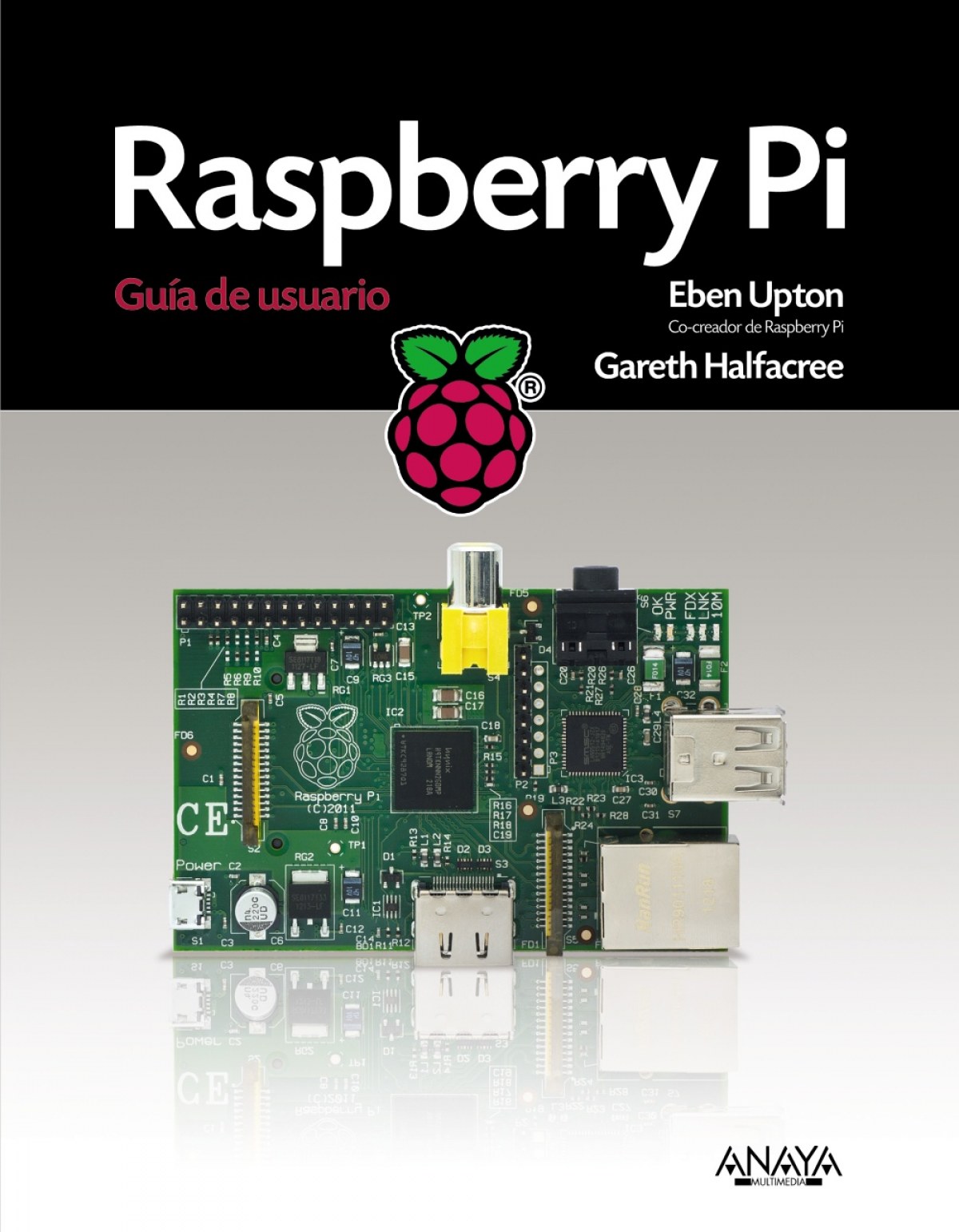
https://www.imosver.com/en/libros/raspberry-pi-NOB0007020NOB0007020Raspberry Pi26.89Originalmente pensado como una manera fácil, barata y divertida para aprender a programar, Raspberry Pi evolucionó rápidamente en un ordenador del tamaño de una tarjeta de crédito capaz de reproducir https://static.imosver.com/imagenes_small/9788441/978844153438.jpgLibrosLibros/INFORMATICASin stockANAYA MULTIMEDIA000https://static.imosver.com/imagenes_small/9788441/978844153438.jpg28.351.412013/10/239788441534384Upton, EbenLibrosaño_2013idioma_SpanishCautor_Upton, Ebensaga_TECNOLOGíA MULTIMEDIA
Artículo
Raspberry Pi
Upton Eben
ANAYA MULTIMEDIA
INFORMATICA
Cookie notice
We use cookies to ensure you get the best experience on our site
Read cookie policy.
Manage cookie preferences
This type of cookie allows the user to browse a website, platform, or application and to use the different options or services that exist on it.
imosver_session
Description
Essential first-party cookie. It keeps your session identified while you browse: your basket, your language and access to your account. The website cannot work without it.
Duration
120 minutes
Facilities
Domain
imosver.com
OCT8NE
Description
This cookie is used for the proper functioning of the Oct8ne Chat to provide customer support service to the user.
These are those that enable the tracking and analysis of user behavior on our website. The information collected is used to measure user activity on the website and to create user browsing profiles.
_clsk
Description
Microsoft Clarity first-party cookie. It groups the pages you visit into a single session in order to analyse your journey through the website.
Duration
1 days
Facilities
Domain
imosver.com
logglytrackingsession
Description
Identifies and records the user session for analytical purposes.
Duration
Session
Facilities
Domain
.imosver.com
GOOGLE_ANALYTICS
Description
Records a unique identifier that is used to generate statistical data about how the visitor uses the website.
Duration
1 Year
Facilities
Domain
.imosver.com
_clck
Description
Microsoft Clarity first-party cookie. It stores an anonymous browser identifier so that visits to this website can be attributed to the same user and usage statistics can be produced.
Duration
1 Year
Facilities
Domain
imosver.com
CLID
Description
Microsoft Clarity third-party cookie. It identifies the first time Clarity detects this browser on any website using the service.
Duration
1 Year
Facilities
Domain
clarity.ms
_ga
Description
Google Analytics cookie. It stores an anonymous browser identifier in order to distinguish users and produce website usage statistics.
Duration
2 Year
Facilities
Domain
.imosver.com
_ga_LZR660YW0M
Description
Google Analytics 4 cookie. It keeps the analytics session state so that visits and the journey through the website can be measured.
Duration
2 Year
Facilities
Domain
.imosver.com
These are the ones that allow us to adapt the navigation on our website to your preferences (e.g., language, browser used, etc.).
_fbp
Description
Used by Facebook to offer a series of advertising products, such as real-time bids from third-party advertisers.
Duration
3 Month
Facilities
Domain
.imosver.com
afiliado
Description
First-party affiliate programme cookie. It stores for 30 days the code of the affiliate that brought you to the website, so that the sale can be attributed to them.
Duration
1 Month
Facilities
Domain
imosver.com
MUID
Description
Microsoft third-party cookie. It identifies unique browsers visiting Microsoft sites and is used for advertising, analytics and other operational purposes.
Duration
1 Year
Facilities
Domain
clarity.ms
ANONCHK
Description
Microsoft third-party cookie. It indicates whether the MUID identifier is transferred to ANID, a cookie used for advertising purposes.
Duration
10 minutes
Facilities
Domain
clarity.ms
MR
Description
Microsoft third-party cookie. It indicates whether the MUID identifier must be refreshed.
Duration
7 days
Facilities
Domain
clarity.ms
SM
Description
Microsoft third-party cookie. It synchronises the MUID identifier across Microsoft domains.
Duration
Session
Facilities
Domain
clarity.ms
_fbc
Description
Meta cookie. It stores the identifier of the Facebook or Instagram advert you arrived from, in order to attribute the visit to that advertising campaign.
Duration
3 Month
Facilities
Domain
.imosver.com
_gcl_au
Description
Google Ads cookie. It records a visit coming from an advert so that advertising campaign conversions can be measured.
Duration
3 Month
Facilities
Domain
.imosver.com
_uetsid
Description
Microsoft Advertising cookie. It identifies your browsing session in order to measure conversions from Bing advertising campaigns.
Duration
1 days
Facilities
Domain
.imosver.com
_uetvid
Description
Microsoft Advertising cookie. It identifies your browser across visits in order to measure conversions from Bing advertising campaigns.
Originalmente pensado como una manera fácil, barata y divertida para aprender a programar, Raspberry Pi evolucionó rápidamente en un ordenador del tamaño de una tarjeta de crédito capaz de reproducir vídeo HD, trabajar como centro ofimático, vigilar la casa o servir de vídeoconsola. ¡Su potencial es increíble! El límite lo pone su imaginación. Escrito por uno de los creadores de Raspberry Pi, encontrará todo lo que necesita saber para comenzar a utilizar y obtener el máximo rendimiento del primer ordenador del mundo verdaderamente compacto.Sobre los autores Introducción ¡Programar es divertido! Un poco de historia Qué se puede hacer con Raspberry Pi Parte I. Conectar la placa Capítulo 1. Conozca la Raspberry Pi ARM contra x86 Windows frente a Linux Comenzar con Raspberry Pi Conectar una pantalla Vídeo compuesto Vídeo HDMI Vídeo DSI Conectar el sonido Conectar un teclado y un ratón Flashear la tarjeta SD Flashear desde Linux Flashear desde OS X Flashear desde Windows Conectar almacenamiento externo Conectar la red Conexión de red por cable Conexión de red inalámbrica Conectar alimentación Capítulo 2. Administración del sistema Linux Linux: Visión general Fundamentos de Linux Introducción a Debian Dispositivos de almacenamiento externos Crear una cuenta de usuario Distribución del sistema de archivos Distribución lógica Distribución física Instalar y desinstalar software Encontrar software Instalar software Desinstalar software Actualizar software Capítulo 3. Resolución de problemas Problemas con el teclado y el ratón Problemas con la alimentación Problemas con la visualización Problemas con el inicio Problemas con la red El kernel de emergencia Capítulo 4. Configurar la red Red cableada Red inalámbrica Sin encriptación Encriptación WEP Encriptación WPA/WPA2 Conectar a la red inalámbrica Capítulo 5. Administrar particiones Crear una partición nueva Redimensionar particiones existentes Redimensionado automático Redimensionado manual Cambiar a una tarjeta SD de mayor capacidad Hacer una imagen desde Linux Hacer una imagen desde OS X Hacer una imagen desde Windows Capítulo 6. Configurar Raspberry Pi Ajustes de hardware - config.txt Modificar la visualización Opciones de inicio Aumentar la frecuencia de Raspberry Pi Configuración aumento de frecuencia Configurar aumento de tensión Deshabilitar la memoria caché L2 Habilitar el modo comprobación Hacer particiones de memoria - start.elf Ajustes de software - cmdline.txt Parte II. Utilizar Raspberry Pi como centro multimedia, máquina productiva y servidor Web Capítulo 7. Raspberry Pi como ordenador personal para ver cine en casa Reproducir música en la consola HTPC dedicado con Rasbmc Publicar materiales en Internet Publicar materiales en la red local Configurar Rasbmc Capítulo 8. Raspberry Pi como máquina productiva Aplicaciones alojadas en la nube OpenOffice.org Modificación de imágenes con The Gimp Capítulo 9. Raspberry Pi como servidor Web Instalar una infraestructura LAMP Instalar WordPress Parte III. Programar y modificar Capítulo 10. Introducción a Scratch Introducción a Scratch Ejemplo 1: Hello World Ejemplo 2: Animación y sonido Ejemplo 3: Un juego sencillo Robótica y sensores Sensores con PicoBoard Robótica con LEGO Para saber más Capítulo 11. Introducción a Python Introducción a Python Ejemplo 1: Hello World Ejemplo 2: Comentarios, entradas, variables y bucles Ejemplo 3: Jugar con pygame Ejemplo 4: Python y la red Para saber más Capítulo 12. Modificación de hardware Equipo electrónico Códigos de color de las resistencias Conseguir componentes En la red Fuera de la red Especialistas en aficionados El puerto GPIO Bus serie UART Bus I2C Bus SPI Utilizar el puerto GPIO en Python Instalar la librería GPIO de Python Salida GPIO: Iluminar un LED Entrada GPIO: Detectar un interruptor Evolucionando desde la placa de pruebas Manual rápido de soldadura Capítulo 13. Placas de expansión Slice of Pi de Ciseco Prototyping Pi Plate de Adafruit Gertboard de Fen Logic Parte IV. Apéndices Apéndice A. Programas en Python Serpiente Raspberry (ejemplo 3) Lista de usuarios de IRC (ejemplo 4) Entrada y salida GPIO Apéndice B. Modos de visualización HDMI Indice alfabético